

Microsoft Excel (General)
Summary of the Microsoft Excel assessment test
This Microsoft Excel skills test evaluates a candidate's ability to use the software to manage and analyze data. Our Excel pre-employment test helps you find and hire professionals with excellent data handling and decision-making skills.
Covered skills
Excel sheet basics
Manipulating tables
Managing data in worksheets
Using formulas and functions
Use our Excel skills test to hire:
Data analysts, financial analysts, business and administrative assistants, project managers, marketing analysts, accountants, operations managers, research analysts, HR managers, and managerial and executive assistants.
About the Microsoft Excel (General) skills test
Microsoft Excel is the software for balancing budgets, creating charts and forecasts, and tracking inventory. More than 63% of accountants use Excel regularly to crunch numbers.
If you’re a data-driven firm, it pays to hire critical thinkers who know how to use the program’s various keyboard shortcuts and tricks.
TestGorilla’s Microsoft Excel skills test is an entry-level exam that helps you make hiring decisions when recruiting people to:
Read and interpret Excel spreadsheets
Complete data entry and formatting tasks
Perform calculations and use formulas through macros
Create, manage, and organize tables, templates, and workbooks
Create visual guides that make data easy to understand
Use Excel functions such as VLOOKUP and SUMIF
This test in Excel asks candidates practical and theoretical questions to measure their knowledge of Excel and see how they work with data in real-world scenarios. Using TestGorilla’s talent discovery platform, you can also adjust the test questions and add up to four extra tests to complement the skill set you’re hiring for.
In simpler words, this Excel test is crucial for the hiring process for roles that involve budgets, inventory, project organization, data analytics, and performance forecasting.
Let applicants show you they have the best Excel skills for the roles you’re hiring for.
The test is made by a subject-matter expert
TestGorilla’s tests are created by subject matter experts. We assess potential subject-matter experts based on their knowledge, ability, and reputation.Before being published, each test is peer-reviewed by another expert, then calibrated using hundreds of test takers with relevant experience in the subject.
Our feedback mechanisms and unique algorithms allow our subject-matter experts to constantly improve their tests.

Miranda C.
IT support manager Miranda possesses a demonstrated history of supporting cutting-edge software in high-growth, fast-paced environments. Her mastery of all versions of Windows and Office suite software works hand-in-hand with her excellence in network troubleshooting, training, software implementation, and technical writing.
Miranda’s approach to fixing every software issue with urgency and empathy consistently leads to customer satisfaction and loyalty.
Reliability: Cronbach’s alpha coefficient = .68
Face validity: Candidates rated this test as accurately measuring their skills (average score of 3.46 out of 5.00, N = 831).
Criterion-related validity: Candidates with higher scores on the Microsoft Excel (general) test received higher average ratings from the hiring team during the selection process (r = .50, N = 183).
For an in-depth look at interpreting test results, please take a look at our Science series articles: How to interpret test fact sheets (part 1): Reliability, and How to interpret test fact sheets (part 2): Validity.
For an explanation of the various terms, please refer to our Science glossary.
Reliability and validity | Sufficient data available | Analyses and checks conducted | Outcome |
|---|---|---|---|
Reliability | ✔ | ✔ | Acceptable |
Content validity | ✔ | ✔ | Acceptable |
Face validity | ✔ | ✔ | Acceptable |
Construct validity | Pending | Pending | Pending |
Criterion-related validity | ✔ | ✔ | Acceptable |
Group differences | |||
Age differences | Pending | Pending | Pending |
Gender differences | Pending | Pending | Pending |
Ethnicity differences | Pending | Pending | Pending |
Use TestGorilla to hire the best faster, easier and bias-free
Our screening tests identify the best candidates and make your hiring decisions faster, easier, and bias-free.
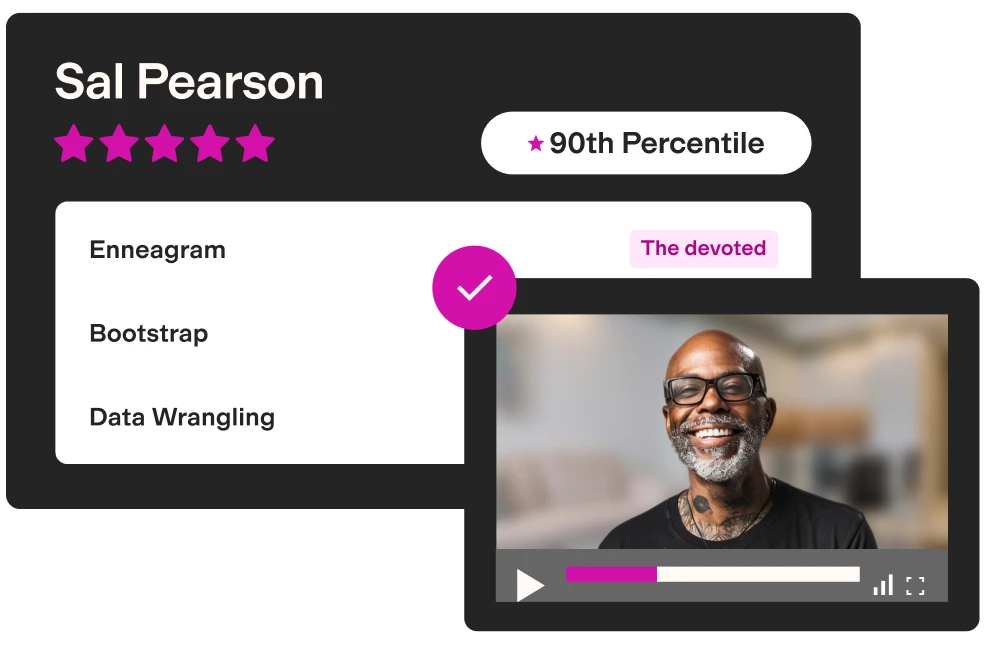
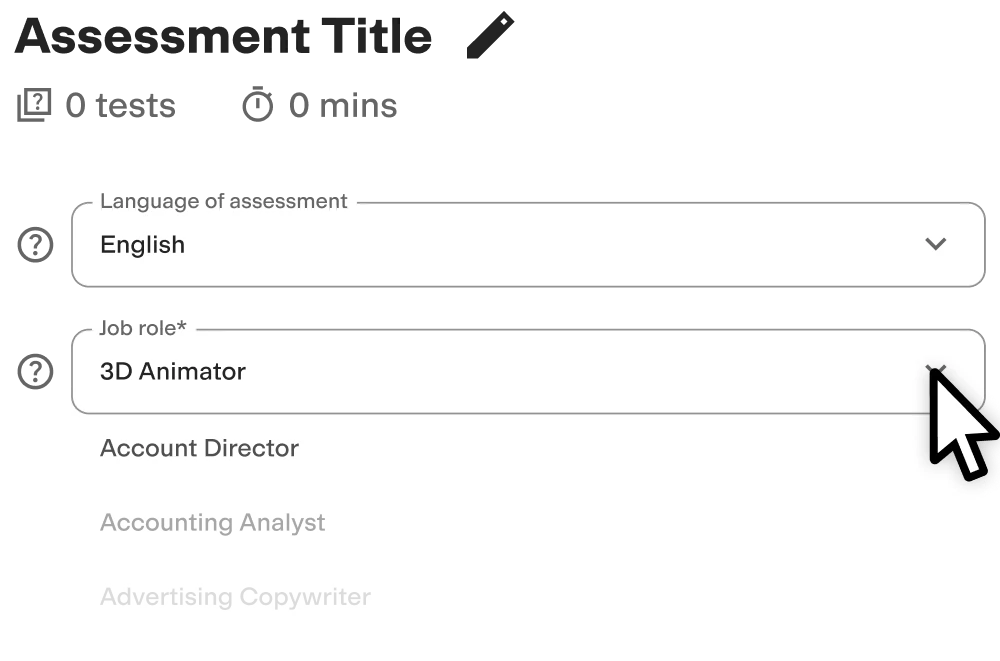
Create high-quality assessments, fast
Building assessments is a breeze with TestGorilla. Get started with these simple steps.

Why is testing Excel skills important to employers?
People with general Microsoft Excel skills are strong thinkers who thrive on data analysis.
They can handle and process large amounts of information, perform data validation, create charts, graphs, and pivot tables, create conditional formatting rules, develop Excel formulas to answer complex questions, and even intuitively make predictions.
In an increasingly data-driven world, businesses need to hire experts who can read, translate, and build reports using data for various purposes. That means testing job applicants' Excel skills before job interviews begin.
TestGorilla helps you measure the most common entry-level skills with an Excel Practice test, where your candidates show you their Excel proficiency. You can build on their results with further online tests or decide to implement on-the-job training if an otherwise perfect candidate displays slightly below-par Excel skills.
Studio Le Pera, a Milan-based accounting firm, and Ocean Outdoor UK, a digital out-of-home advertising firm, knew this when they turned to us for skills assessments. The firms now use our tests to hire accounting staff and quickly identify the most knowledgeable candidates, saving on headhunter fees and reducing internal interviewing costs.

What job roles can you hire for with our Microsoft Excel skills test?
You can hire for the following specialist roles with our Excel skills test:
Data analysts: Top Excel skills help analysts clean and aggregate data, remove duplicate information, and make strong recommendations
Financial analysts: Finance experts use the software to calculate budgets and expenditures and build forecasts
Business and administrative assistants: Excel helps admin assistants organize and clarify data, build presentations, and streamline workloads
Project managers: Project managers need software skills to track progress, check task assignments, and calculate a project’s finances
Research analysts: Analysts use the software to collate complex data, build tables, and present results visually for senior management
Marketing analysts: Excel helps marketers organize marketing and sales data to find trends to influence future strategies
Accountants: Accountants use Excel to carefully collate budget, expense, and income data to help managers and business owners make accurate decisions
Operations managers: Excel helps ops managers create schedules, calculate lead times, and analyze product demand and inventory
HR managers: Excel is a great tool for calculating employee performance, tracking recruits, adjusting sick pay, and monitoring paid time off (PTO)
Managerial and executive assistants: Through Excel, managers and executives can build and monitor data-driven overviews of every corner of their business
Of course, Microsoft Excel is more than just a simple spreadsheet builder. Try our Advanced Microsoft Excel skill test to dive deeper into advanced skills such as formula building and data manipulation – why not run it after the general test to find exceptional talent?

Create a multi-measure assessment: 4 tests to pair with our Excel test
Our assessment builder lets you evaluate job candidates on five different tests at a time, meaning it’s a great opportunity to pair soft and hard skill exams alongside your Excel competency test. This gauges a variety of skills and traits at once via multi-measure testing.
Here are four multiple-choice TestGorilla skills tests we recommend using alongside the general Excel practice test to get a holistic view of candidates:
Digital Agility test: Find people who adapt easily to the challenges posed and solved by digital platforms, such as other Microsoft Office products (like Teams), collaboration tools, or CRM software.
Communication test: Evaluate how well an applicant can use professional communication skills, both written and verbal. This is a key part of using Excel because analysts must translate data into different, easy-to-understand formats for various audiences.
Critical Thinking test: Measure candidates’ ability to reason and make sound decisions based on the available data. Working with Excel requires an objective mindset that is not swayed by bias or emotion.
Culture Add test: Evaluate the alignment between an applicant’s values and your company’s culture without stifling new perspectives and behaviors. This helps you find experts who can innovate, find answers to complex problems, and use the software outside the box while still sharing mission values and perspectives.
When building your multi-measure assessment, be sure to:
Consider whether you need to include other Microsoft software tests, like PowerPoint or Word, in your assessment
Always add a role-specific test based on the position you’re hiring for
FAQs
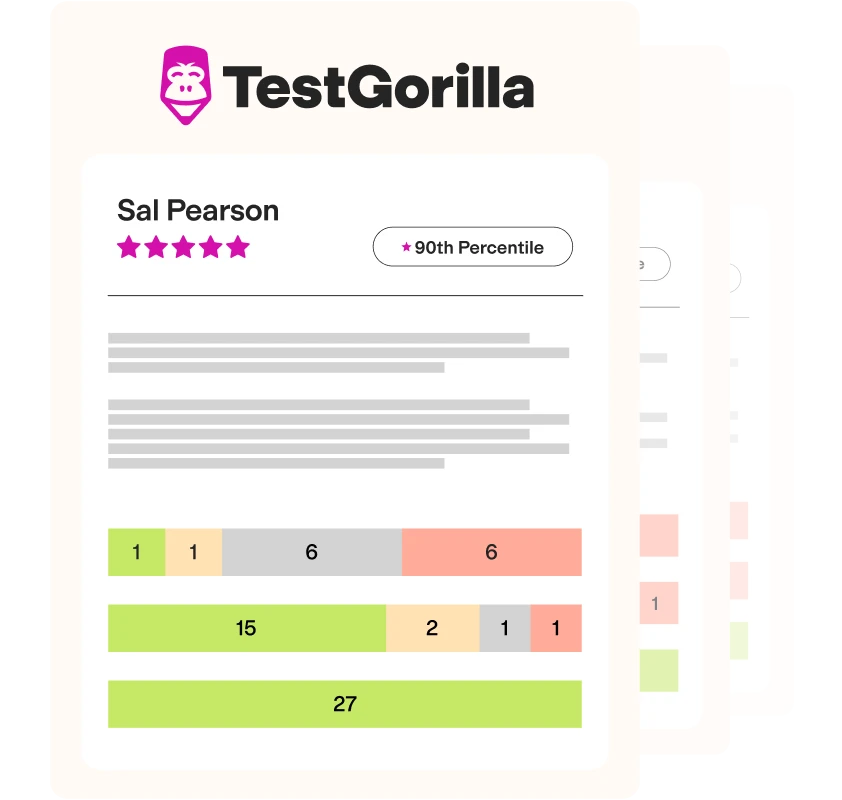
View a sample report
The Microsoft Excel (General) test will be included in a PDF report along with the other tests from your assessment. You can easily download and share this report with colleagues and candidates.