

UX/UI Design
Summary of the UX/UI Design test
This UI/UX Design test evaluates candidates’ grasp of design processes and their ability to understand user needs. It assesses the skills needed to create intuitive digital products and interfaces that deliver an exceptional user experience.
Covered skills
User understanding
Design principles
Development collaboration
Prototyping and testing
Use the UX/UI Design test to hire
UX designers, UI designers, web designers, mobile designers, product designers, interaction designers, and other roles that require a good grasp of UX/UI design principles.
About the UX/UI Design test
Our aptitude test for UI/UX designers comprehensively evaluates candidates’ proficiency in creating user-centric digital experiences. It assesses how candidates apply their knowledge and creativity to solve challenges they encounter on the job.
With the help of subject matter experts, we created this test to assess crucial UI/UX design skills, such as:
User understanding: identifying and addressing user needs through research, usability testing, and user feedback
Design principles: application of design theory, creativity, and problem-solving to create visually appealing and functional designs
Development collaboration: effective collaboration with stakeholders, implementing design systems, choosing appropriate development approaches, ensuring clear handoff communication, and following up on the QA process
Prototyping and testing: creating and iterating prototypes to test and refine design concepts
This UI/UX Design aptitude test consists of 15 scenario-based questions available in 10 different languages. Your candidates have 10 minutes to show how they respond in role-specific situations, such as:
“You are a UX designer for an e-commerce app. You need to create a user flow diagram for the checkout process to ensure it’s as intuitive and streamlined as possible.
What should you prioritize focusing on while creating this diagram?”
You can explore preview questions to learn more about what our UI/UX Design test looks like.
The test is made by a subject-matter expert
TestGorilla’s tests are created by subject matter experts. We assess potential subject-matter experts based on their knowledge, ability, and reputation.Before being published, each test is peer-reviewed by another expert, then calibrated using hundreds of test takers with relevant experience in the subject.
Our feedback mechanisms and unique algorithms allow our subject-matter experts to constantly improve their tests.

Elias F.
A Senior Product Designer with a Masters in Human-Computer Interaction and a background in Engineering, Elias is passionate about understanding consumer needs and solving problems through user-centered design.
His extensive experience working as a cross-functional Product/UX Designer in tech start-ups means Elias can work on all steps of the design process, from research to developer handoff. Elias is consistently learning and collaborating with product managers, engineers, and other designers.
Reliability: Cronbach’s alpha coefficient = .66
Face validity: Candidates rated this test as accurately measuring their skills (average score of 3.91 out of 5.00).
Criterion-related validity: Candidates with higher scores on this test received higher average ratings from the hiring team during the selection process (r = .31).
For an in-depth look at interpreting test results, please take a look at our Science series articles: How to interpret test fact sheets (part 1): Reliability, and How to interpret test fact sheets (part 2): Validity.
For an explanation of the various terms, please refer to our Science glossary.
Reliability and validity | Sufficient data available | Analyses and checks conducted | Outcome |
|---|---|---|---|
Reliability | ✔ | ✔ | Acceptable |
Content validity | ✔ | ✔ | Acceptable |
Face validity | ✔ | ✔ | Acceptable |
Construct validity | ✔ | ✔ | Acceptable |
Criterion-related validity | ✔ | ✔ | Acceptable |
Group differences | |||
Age differences | Pending | Pending | Pending |
Gender differences | ✔ | ✔ | Acceptable |
Ethnicity differences | Pending | Pending | Pending |
Use TestGorilla to hire the best faster, easier and bias-free
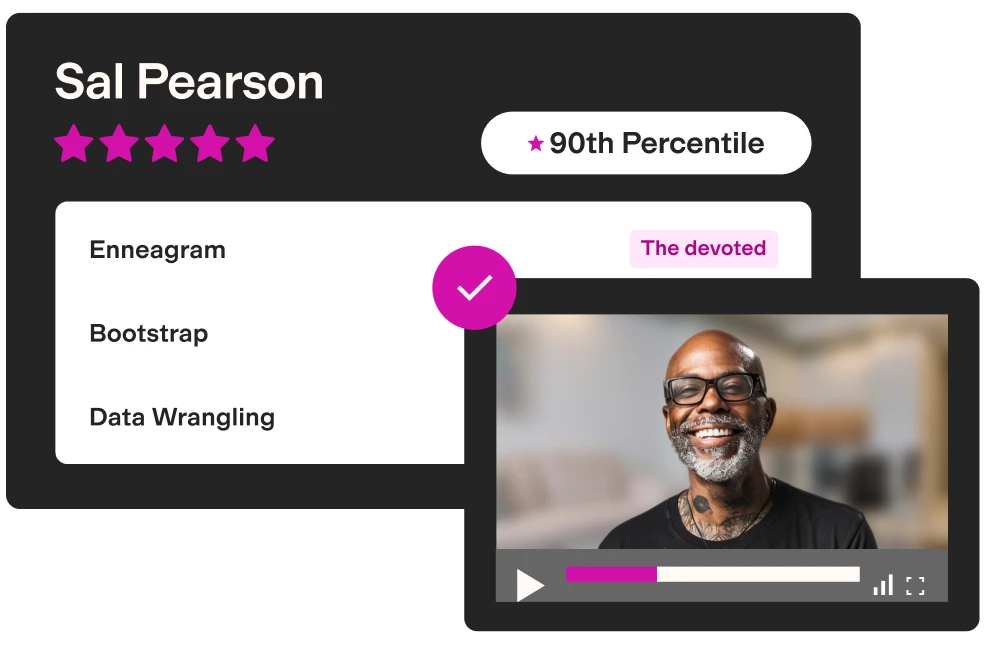
Our screening tests identify the best candidates and make your hiring decisions faster, easier, and bias-free.
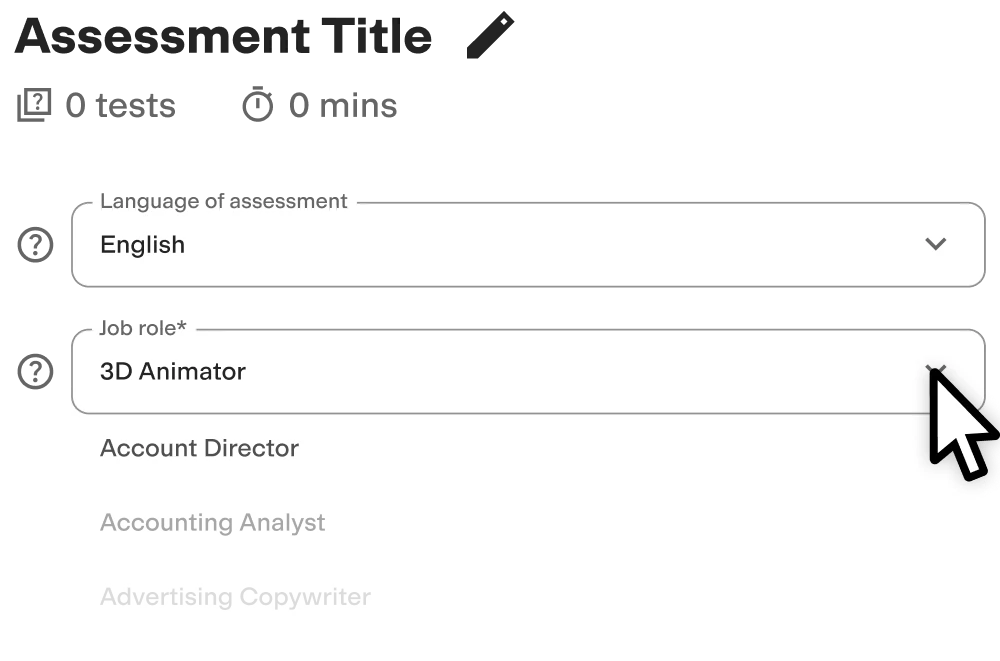
Create high-quality assessments, fast
Building assessments is a breeze with TestGorilla. Get started with these simple steps.

Why are UI/UX skills important to employers?
UI/UX designer skills are important to employers because they help designers improve aesthetics and optimize the user journey. As a result, your company develops more user-friendly, engaging, and effective digital products.
Skilled UI/UX designers create digital products, such as websites, mobile apps, and software interfaces. They ensure these products meet user needs by focusing on ease of use, accessibility, and engagement. In addition, designers must align with business goals to drive conversions, enhance brand perception, and support strategic objectives.
Without these skills, poor design leads to confusing interfaces, frustrated users, and a drop in engagement. As a result, you could experience higher bounce rates and negative brand perception that hinder revenue and growth.
User interface design testing helps you find skilled candidates who:
Improve visual appeal to stand out from competitors
Boost user engagement and satisfaction
Increase conversion rates
Improve customer loyalty and retention
Reduce development costs
4 UI/UX competencies to look for
Combining our UI/UX design aptitude test with UX interview questions helps you objectively assess the skill level of your candidates. That way, you can easily identify the most important UI/UX skills, such as:
Design thinking: The UI/UX test measures the ability to approach problems creatively and ensure designs meet user needs
Wireframing and UI design: UI/UX Designer test evaluates the proficiency in creating clear, functional layouts that provide a solid foundation for the final digital product
Prototyping and testing: UI/UX testing assesses skills in developing prototypes to validate design concepts and gather user feedback to improve on designs before finalizing them
Developer handoff: The UI/UX test gauges the ability to collaborate with developers to ensure a smooth transition from design to development and minimize errors
Unfortunately, many companies struggle to validate skills related to UI/UX design by simply reviewing resumes or interviewing candidates.
For example, the hiring managers at Design Pickle, a creative services platform, struggled with a difficult and lengthy hiring process for creative roles. As a result, the candidates often didn’t complete the assessments, the recruitment was taking too long, and the company couldn’t find the right talent.
After switching to TestGorilla and our expert-vetted skills tests, the organization managed to increase application completion rates by 25%. In addition, the company hired better candidates who were able to raise the quality of deliverables and improve customer feedback and retention rates.

What job roles can you hire with our UX/UI test?
Although our UI/UX Design test is role-specific, you can use it to hire people for various positions across the tech industry. Whether you’re hiring for specific design positions or broader product roles, this test ensures you find candidates with the skills to create intuitive digital products.
We recommend using the UX/UI Design test for these roles:
UX designers perform UX research and focus on understanding design challenges and user behavior to create easy and enjoyable digital interactions
UI designers ensure the interface is attractive and functional to provide a better user experience
Web designers combine aesthetics with functionality to build engaging and responsive websites
Mobile designers tailor user experiences for mobile devices, optimizing for smaller screens and touch interactions
Product designers oversee the entire design process to ensure the final product meets user needs and business goals
Interaction designers refine the interactive elements to support smooth and intuitive user journeys

Create a multi-measure assessment: 4 tests to pair with the UX/UI Design test
You need more than just one skill assessment to gain a comprehensive understanding of your candidates; potential. That’s why you should combine the UI test with additional assessments to evaluate a broader range of skills and traits.
With TestGorilla, you can combine up to five tests into a comprehensive talent assessment. This approach enables you to assess the necessary design skills, as well as soft skills, cognitive abilities, and creativity that contribute to a successful hire.
We recommend pairing our UI/UX test with these assessments:
Figma test: Assess the ability to design and collaborate effectively using Figma to help you gauge additional technical skills for UX/UI design
Customer Service test: Evaluate candidates’ ability to empathize with users, address their needs, and incorporate feedback into design improvements
Market Research test: Ensure your candidates understand how to gather and interpret data on user behavior and preferences to create designs that provide a better user experience
Attention to Detail (Visual) test: Measure your applicant’s ability to identify visual inconsistencies to confirm they have the meticulousness required for high-quality UX/UI design
Wondering whether skills tests are worth it? Calculate the exact return on investment for your company with our ROI calculator.
FAQs
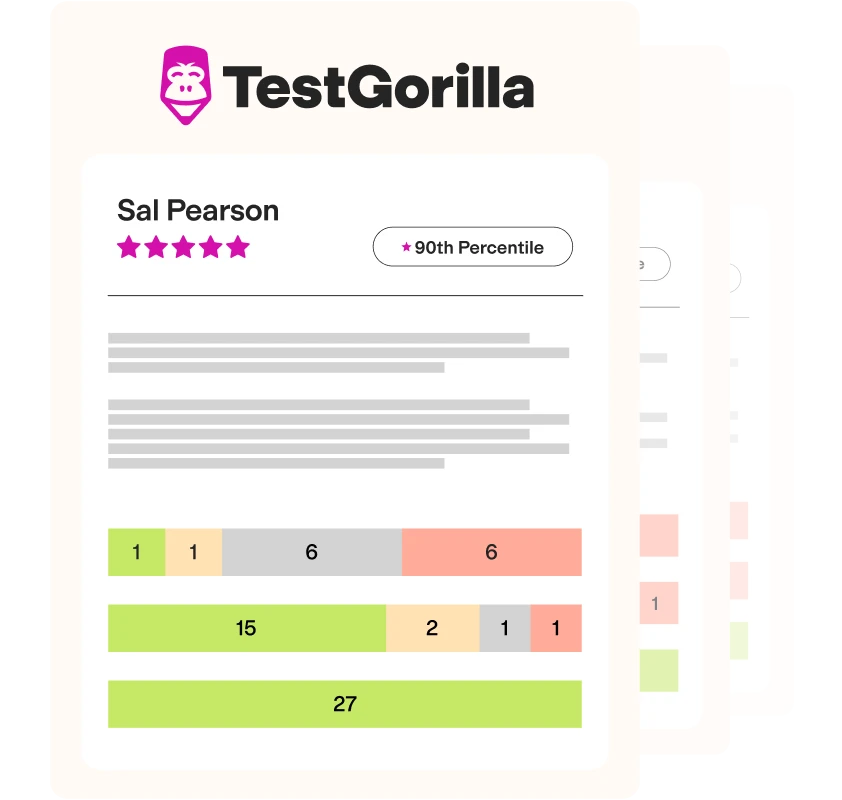
View a sample report
The UX/UI Design test will be included in a PDF report along with the other tests from your assessment. You can easily download and share this report with colleagues and candidates.