

macOS
Summary of the macOS test
Looking for candidates who are comfortable working with macOS? TestGorilla’s macOS test evaluates candidates’ understanding and practical application of basic concepts in macOS. From navigating the interface to utilizing key features, our test assesses their proficiency in working with Apple’s operating system.
Whether you need administrative assistants, executive assistants, or other roles that involve macOS usage, our assessment helps you identify candidates with the necessary skills. Evaluate their knowledge of system preferences, file management, and productivity tools. Streamline your hiring process and find macOS experts with TestGorilla’s macOS test. Sign up today and discover top talent for your organization!
Covered skills
Using basic macOS functions
Handling files and folders
Navigating settings and user accounts
Using macOS privacy and security features
Use the macOS test to hire
Administrative assistants, executive assistants, and any other job roles that require a good command of the macOS operating system.
About the macOS test
macOS is one of the world’s most popular operating systems and has been growing in popularity in the business world, particularly in the computer software industry. With a growing number of businesses using Apple devices or approving of their use within the company, knowledge of macOS has become even more important for managing business operations, ensuring a good workflow, and achieving efficiency and productivity.
This macOS test assesses candidates’ ability to use the basic functions of macOS, handle files and folders, navigate settings and user accounts, and use built-in security and privacy features in macOS. The test uses scenarios often encountered in a workplace setting to evaluate candidates’ skills using the most commonly used macOS features.
Candidates who perform well on this test possess a good understanding of macOS and are comfortable using it daily in their work. These candidates can operate the system with ease and accuracy and build productive workflows for themselves. They can easily create, locate, and manipulate files and programs to achieve results.
The test is made by a subject-matter expert
TestGorilla’s tests are created by subject matter experts. We assess potential subject-matter experts based on their knowledge, ability, and reputation.Before being published, each test is peer-reviewed by another expert, then calibrated using hundreds of test takers with relevant experience in the subject.
Our feedback mechanisms and unique algorithms allow our subject-matter experts to constantly improve their tests.

Alison P.
Alison is a seasoned expert in macOS, passionate about all things Apple. She loves sharing her knowledge with others. When she's not helping users troubleshoot technical issues, she can be found exploring the great outdoors with her furry companion Jimbo, a loyal dog who loves to hike and camp.
Alison has made it her mission to educate and inspire users to unlock the full potential of their devices and tools, whether in the office or on a scenic trail!
Use TestGorilla to hire the best faster, easier and bias-free
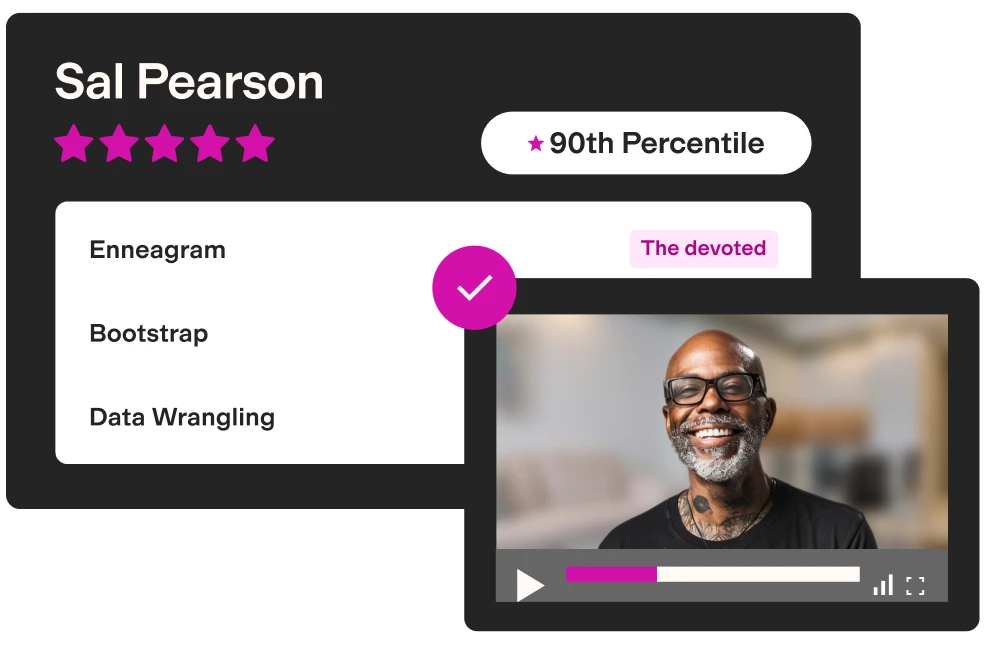
Our screening tests identify the best candidates and make your hiring decisions faster, easier, and bias-free.
Create high-quality assessments, fast
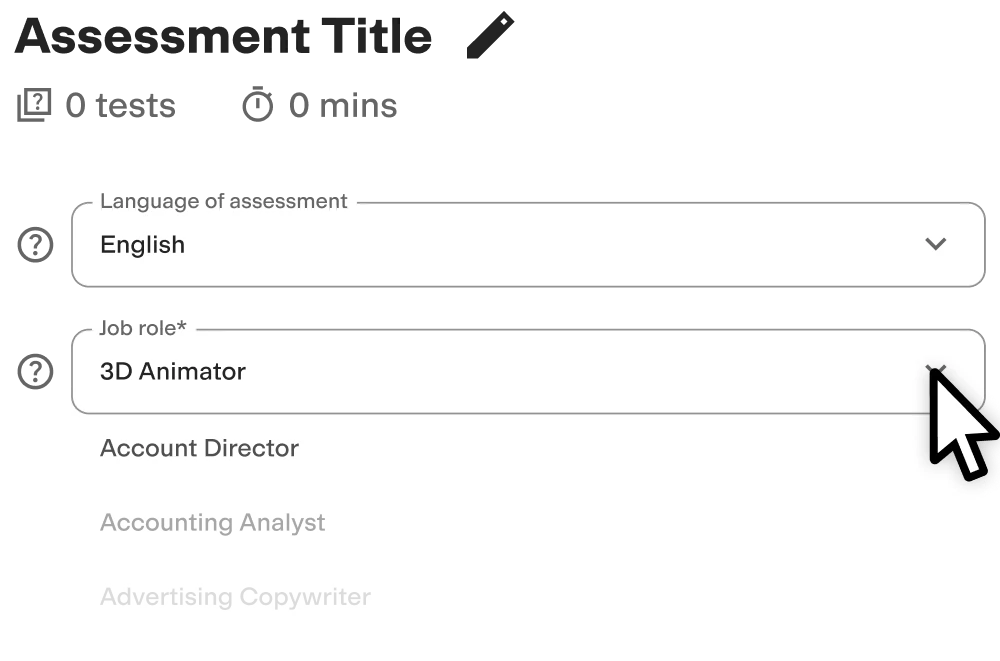
Building assessments is a breeze with TestGorilla. Get started with these simple steps.
FAQs
View a sample report
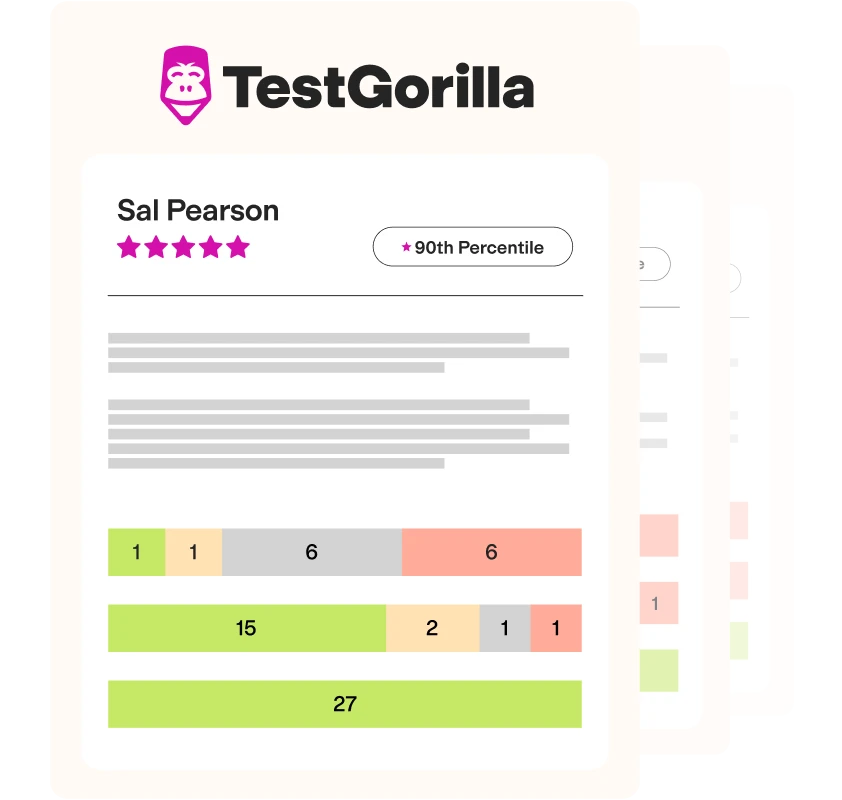
The macOS test will be included in a PDF report along with the other tests from your assessment. You can easily download and share this report with colleagues and candidates.